Email Template
Builder
Create professional emails that drive sales and engagement — no design skills required
* No credit card required
Use promo code: "sale_20" to get
an additional 20% discount
Powerful Features inside the NiceSender Email Builder
Create beautiful emails in just minutes
-
1
Choose an email template from our library to get started
-
2
Drag and drop elements to build your email layout
-
3
Preview your email across popular email clients
Your smart assistant: create emails with AI
From idea generation to unique imagery — AI takes care of the complex tasks.
-
Emails from scratch
in 30 secondsSimply describe your campaign goal (e.g., "winter sale announcement"), and the AI will generate a ready-to-use structure and draft copy. All that's left is to add your finishing touches.
-
Your personal
AI designerTurn any idea into a unique custom image. Simply describe what you want to see and choose from 250+ styles to generate the perfect visual for your email.
-
Perfect copy
effortlesslyInstantly improve your copy. Let AI fix typos, adjust the tone, shorten, or expand your writing.
Perfect for rapid A/B testing.
Try it now no sign-up required
Experience the full power of our email template builder
Access the full-featured demo editor right now and test how easily you can build professional emails.
Find the
perfect design
for your email campaign
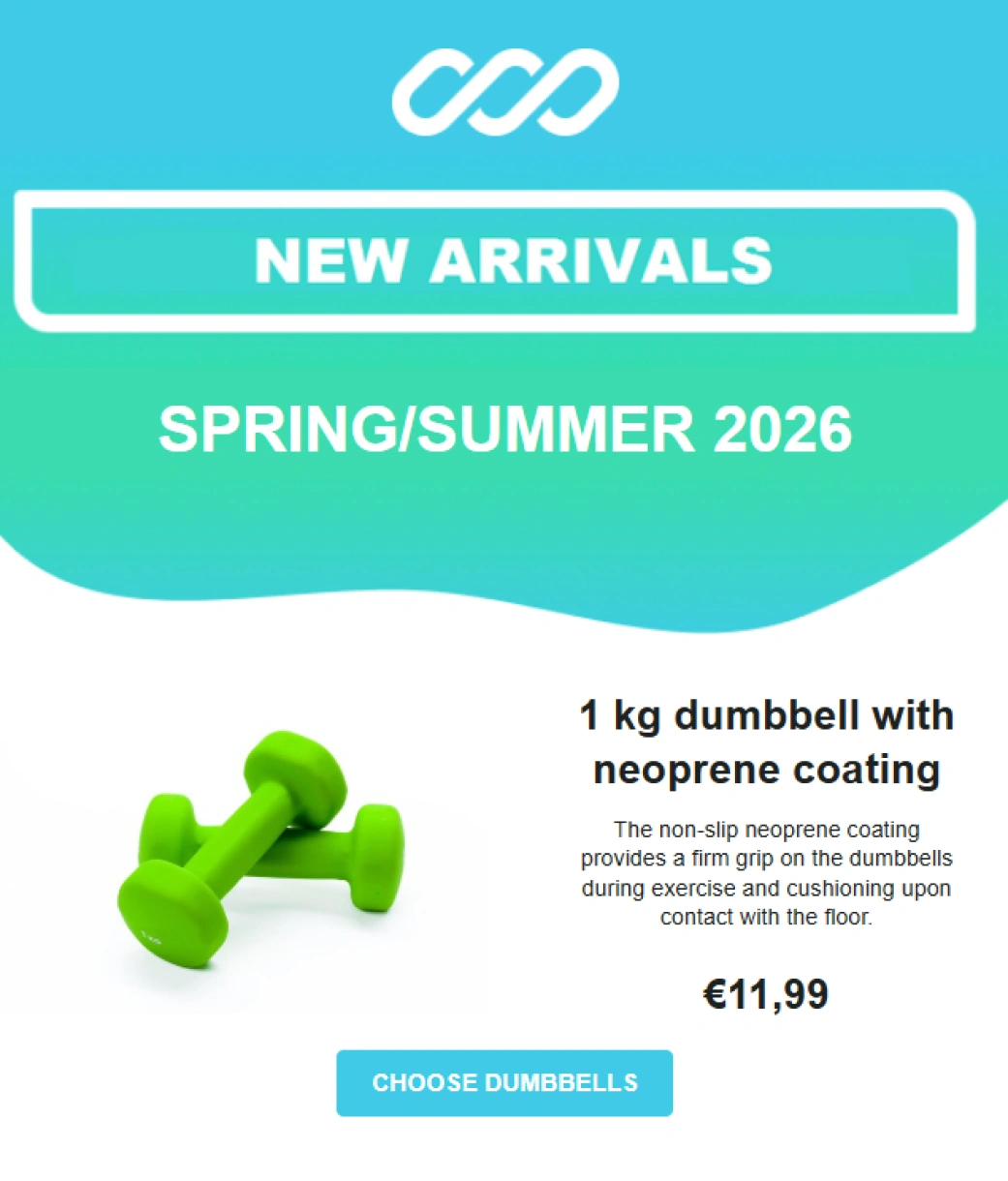
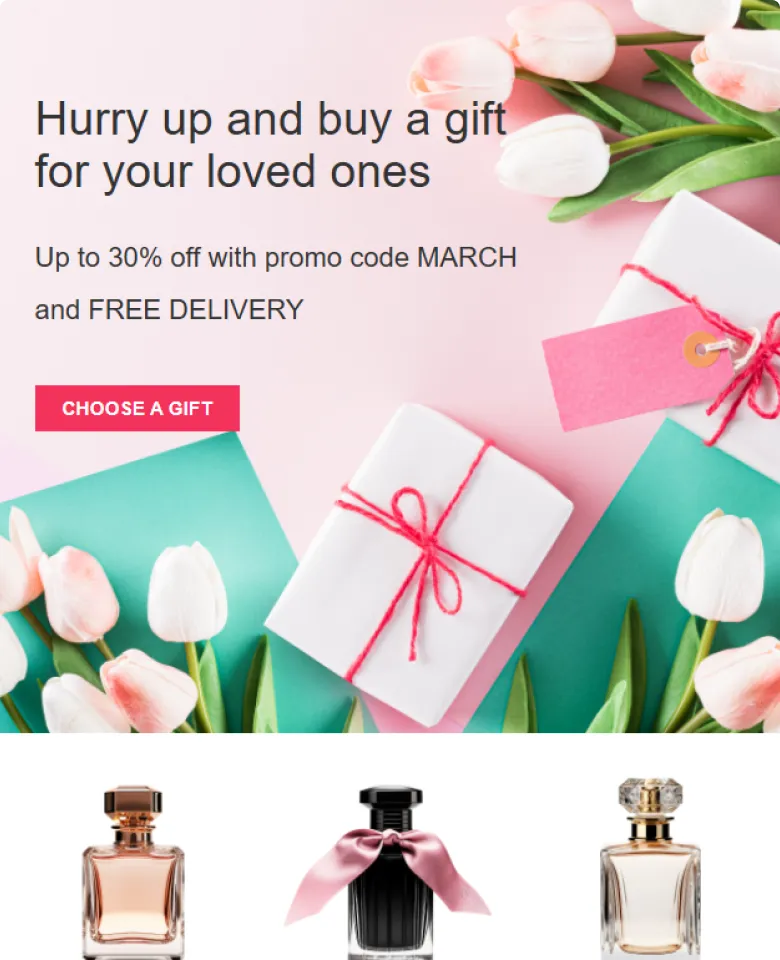
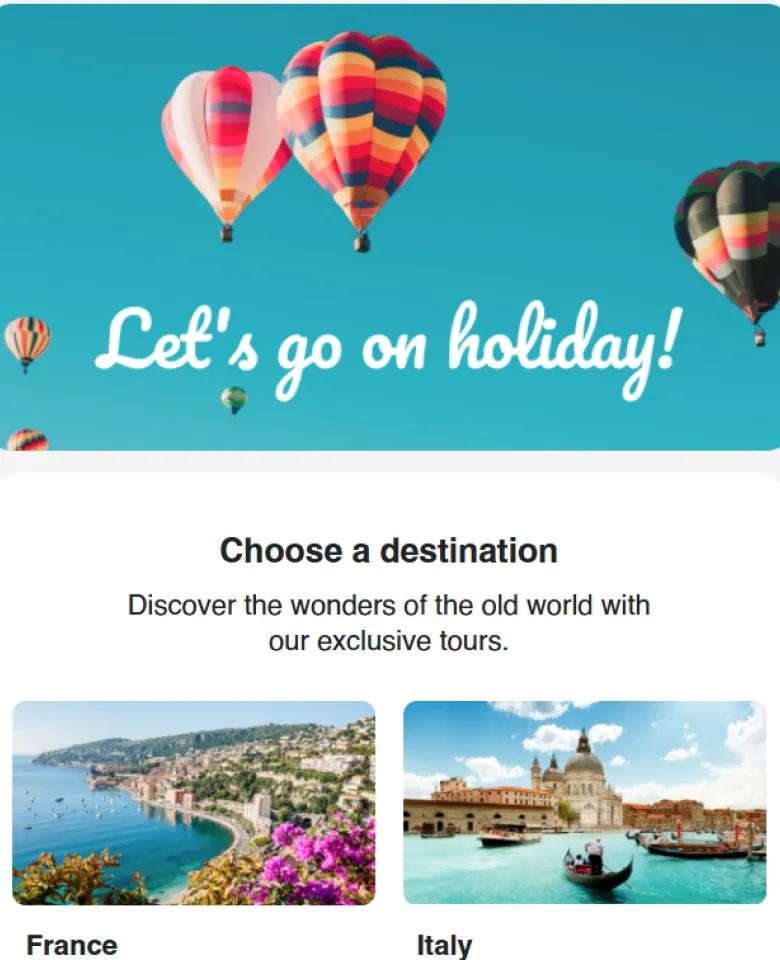
Our library features 130+ pre-designed templates for any use case. Simply pick your favorite, swap out the copy and logo, and your email is ready to send.


Send with confidence
See exactly what your subscribers will see before you hit send. Our Design Testing tool provides mobile previews and generates actual screenshots across real email clients, including Outlook and Gmail.
Total design control
-
Device-specific visibility
Control the visibility of any block independently for mobile and desktop. For example, hide a large banner on smartphones to keep load times fast.
-
Manual responsive controls
Want your email to look exactly the same on mobile as it does on desktop? Disable automatic responsiveness for the entire layout or specific elements.
-
Custom HTML flexibility
Combine the speed of a drag-and-drop builder with the limitless power of custom code. Embed your own complex, custom-coded elements anywhere in your email.
-
Dynamic content
Build emails that adapt to each recipient. Display different offers, products, or copy to different audience segments—all within a single campaign
Your code, your rules
Import existing templates, code from scratch, or make precise tweaks.
Our HTML editor is built for professionals who demand ultimate flexibility and zero limitations.
FAQ
-
Can I create a beautiful email even if I'm not a designer and don't know HTML?
Yes, absolutely. Our email editor was created for exactly this purpose. You don't need any technical skills: you just drag and drop ready-made blocks (text, images, buttons) with your mouse. If you don't want to start from scratch, simply choose one of our hundreds of free preset email templates and replace the text and logo.
-
Will my email look good on smartphones and in Outlook?
Yes, this is our top priority. All emails created in our email template builder are responsive by default — they automatically adjust to any screen. To be 100% sure of the result, we have a built-in "Email Testing" feature that shows you how your campaign will look in different email clients (Gmail, Outlook) and on various devices before you even send it.
-
Will the email builder help me write copy and create images?
We've built a smart assistant into our email template builder. The AI Assistant can help you:
- Write or improve text for your campaign in the desired tone.
- Generate a unique image from your text description.
- Find a suitable image from thousands of free stock photos available directly within the template builder.
-
How can I save blocks of an email for reuse?
Our email builder has a "Components" feature for this. You can save any element that you often use — such as a header with a logo and menu, a footer with contact information, or a product card — and insert it into new emails with a single click. This saves a lot of time. -
Do I have to pay extra for the email builder or its features, such as the AI?
No. Our email template builder, including all its features (preset email templates, AI functions, testing), is completely free and available on all plans, including the Free Forever plan.
-
Can I use custom fonts in the email builder?
Technically, it's possible, but there's an important nuance. Unlike websites, most email clients (especially Outlook) do not support custom web fonts. If a subscriber doesn't have your brand font installed on their computer, they will see a standard one instead (like Times New Roman), and the email layout may be broken. This is why, to guarantee correct display for all recipients, we have built a set of safe, universal fonts into the email builder. They look great and definitely won't break your design.
Do you have any questions? Contact to us.
Please read the full terms of the referral program, or contact us at support@nicesender.com
Your first professional email in just 5 minutes
Skip the learning curve. Our smart builder and pre-designed templates will get you up and running in no time.